
How to Install and Use 100lb Push-to-Open Full Extension Side Mount Drawer Slides (F1245)
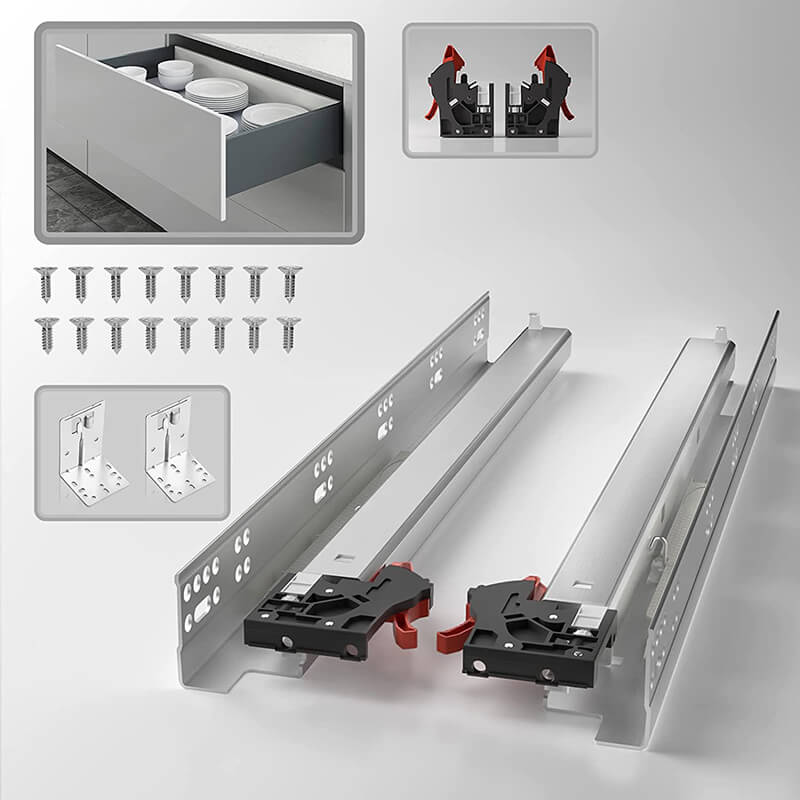
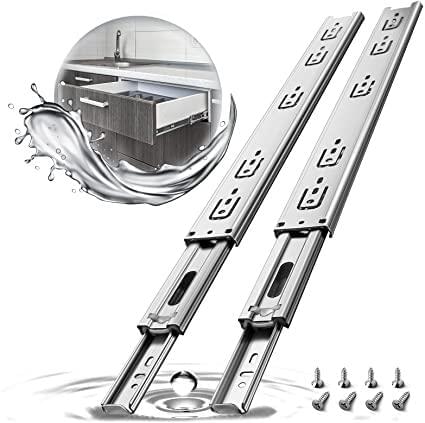
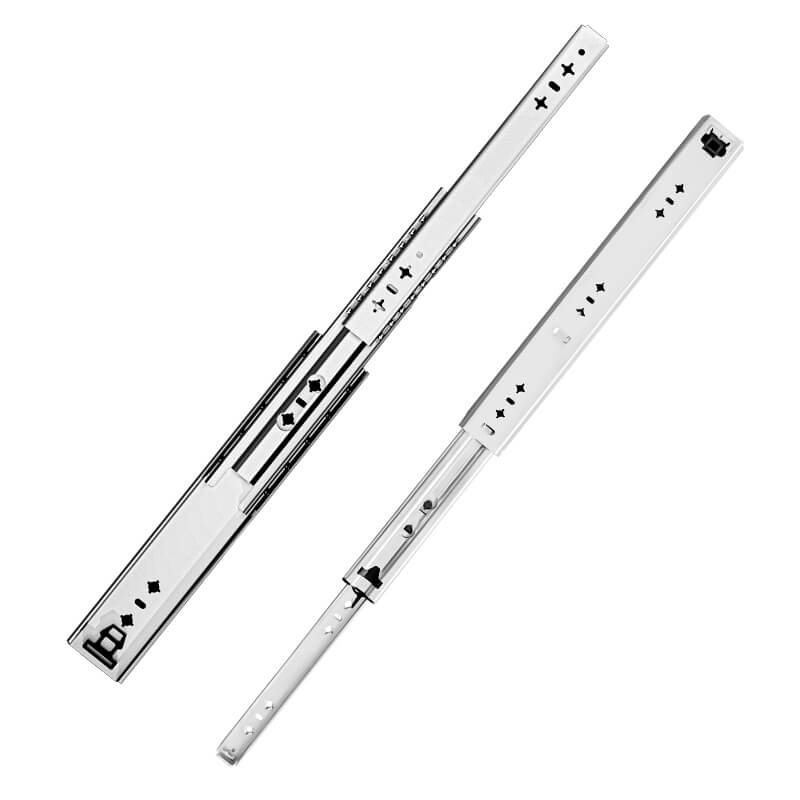
Modern cabinetry and storage solutions often demand both strength and convenience. The 100lb Push-to-Open Full Extension Side Mount Drawer Slides (F1245) offer a simple yet effective solution for drawers that need to open smoothly without handles, while supporting moderate to heavy loads. This guide explains their advantages, installation process, and tips for best performance.
Why Choose Push-to-Open Side Mount Drawer Slides
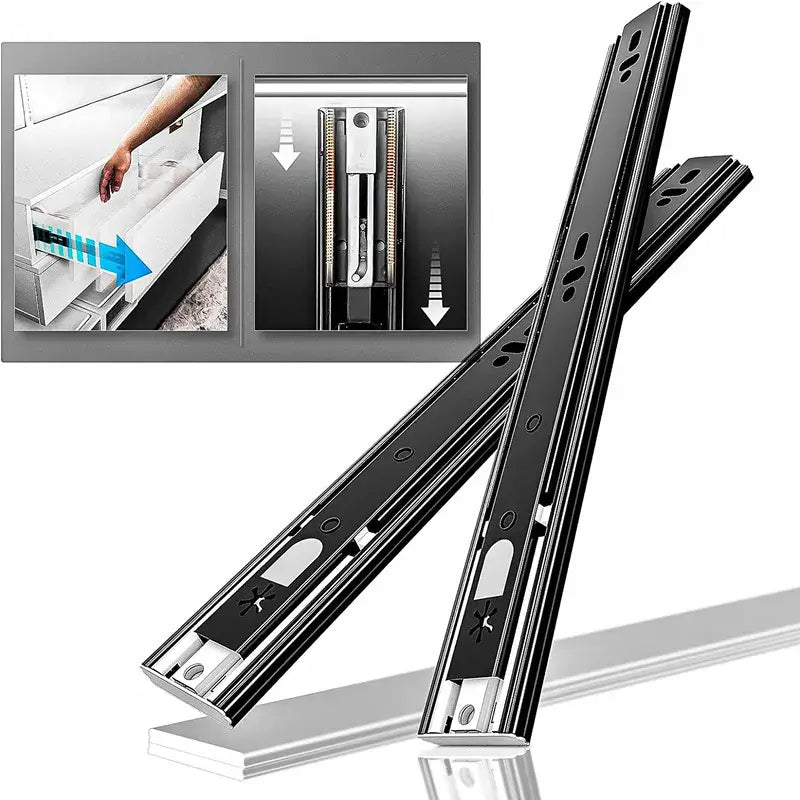
Push-to-open slides are designed for convenience and clean aesthetics. They allow drawers to open with a gentle push, eliminating the need for external handles. Key benefits include:
-
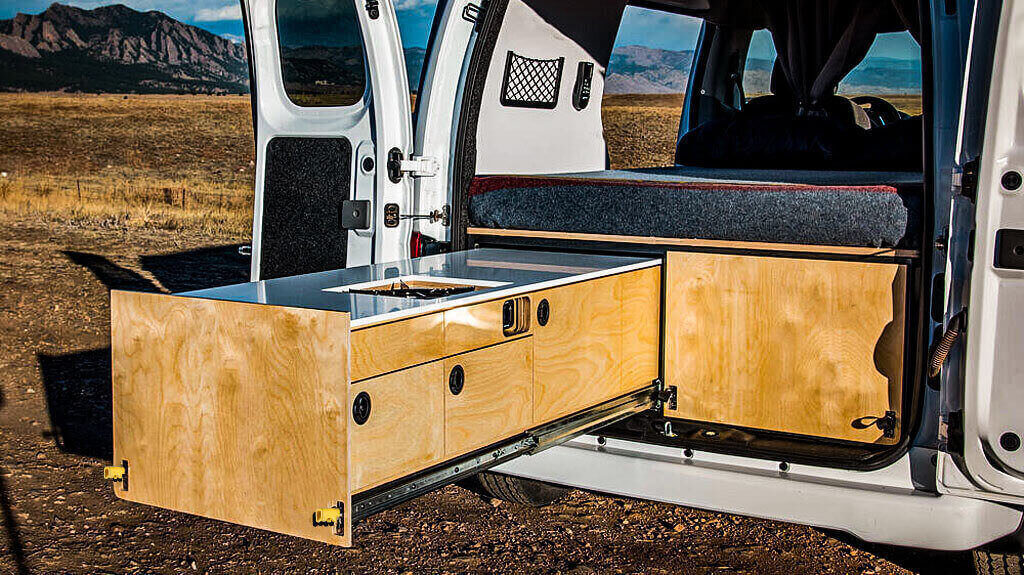
Convenient Operation – Open drawers with a simple push, ideal for modern kitchens, RVs, or mobile workstations.
-
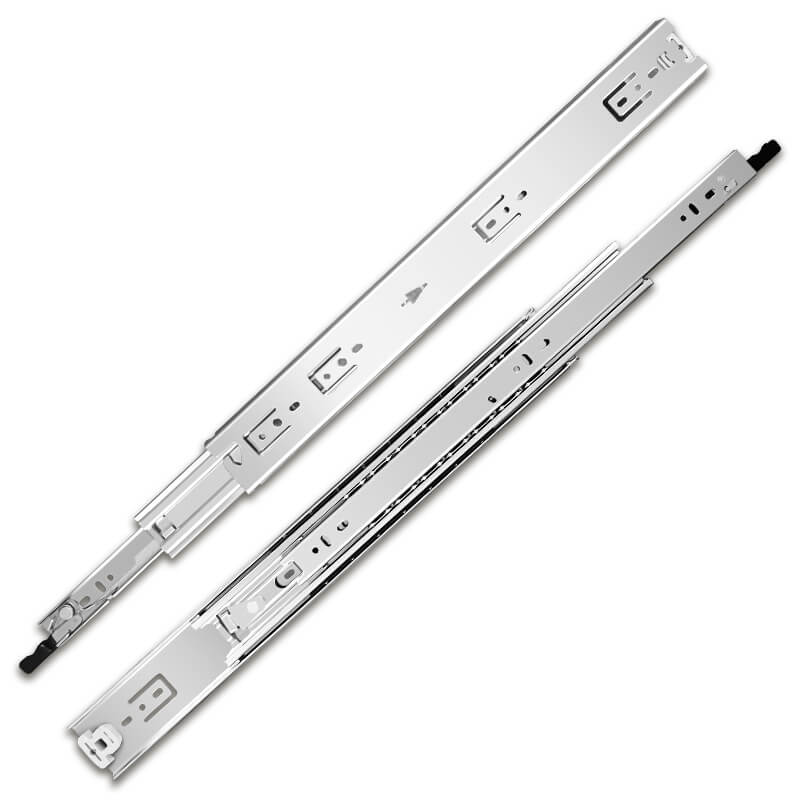
Full Extension – Access the entire drawer without obstruction.
-
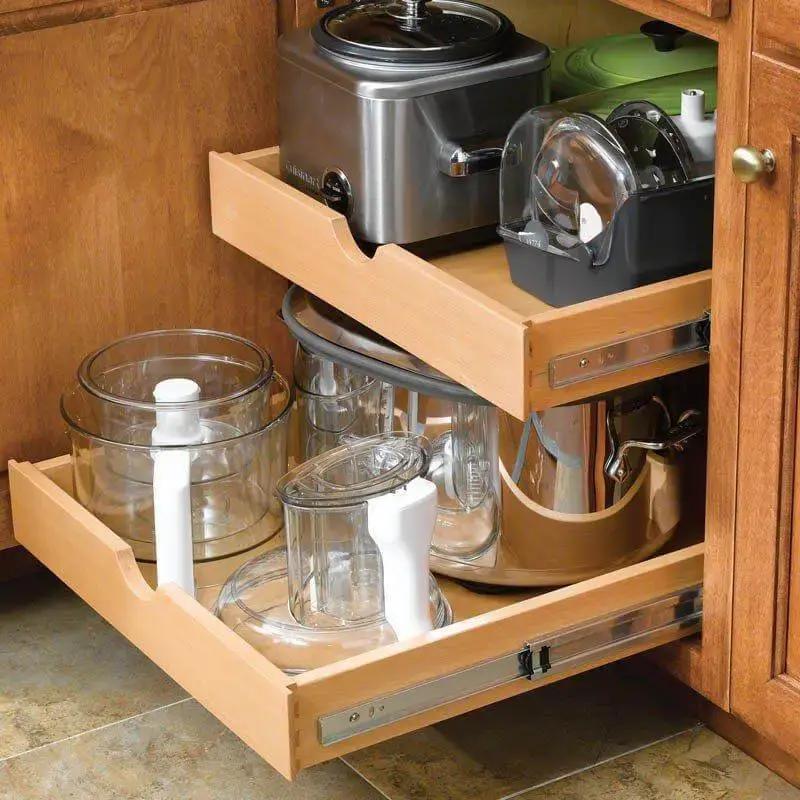
Reliable Load Support – Supports up to 100lb, making it suitable for medium-weight storage.
-
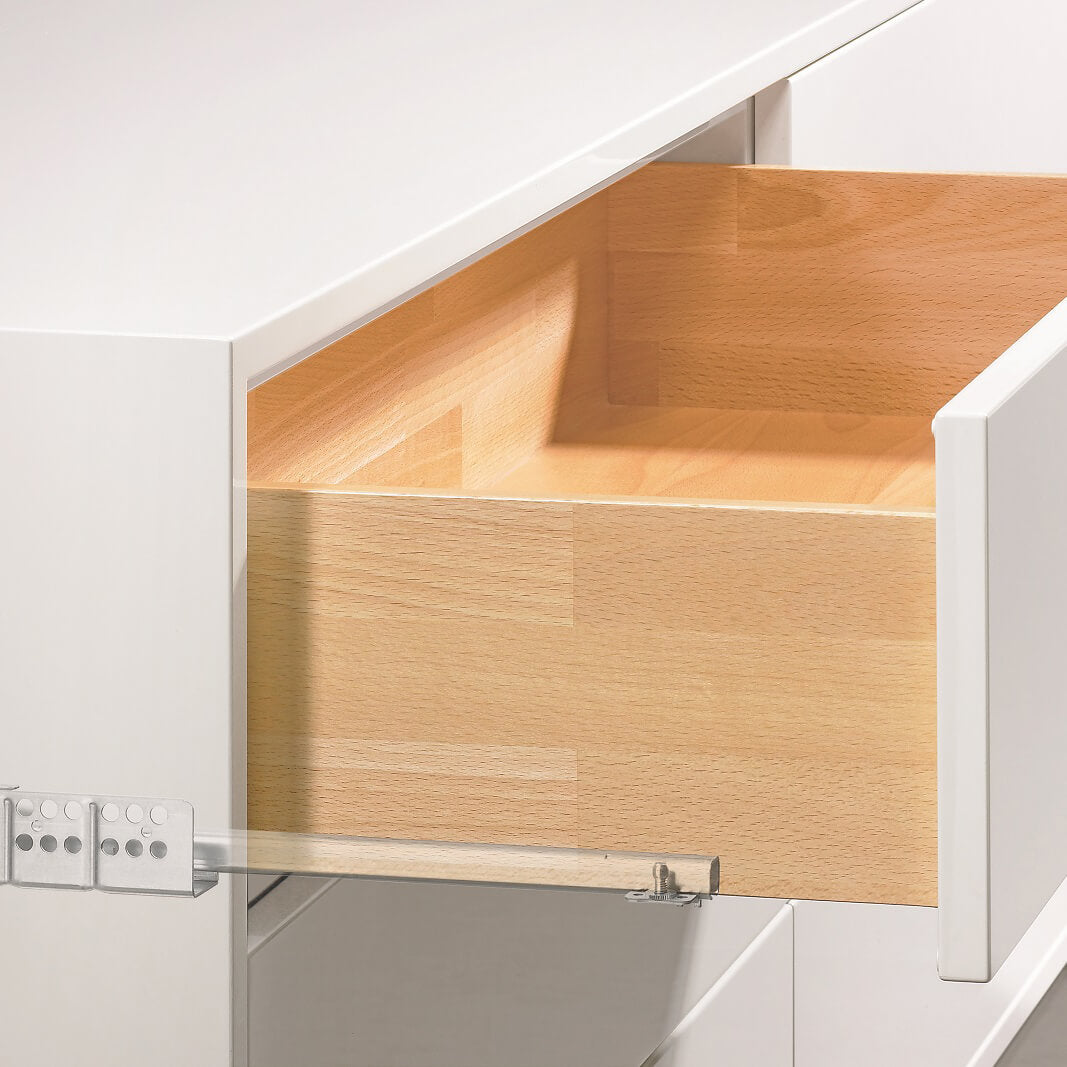
Sleek Design – Side-mount installation keeps the interior clean and unobstructed.
Preparation Before Installation
Before installing F1245 slides, ensure proper preparation:
-
Check Drawer and Cabinet Strength – Ensure the panels can handle up to 100lb load.
-
Accurate Measurements – Measure drawer width, cabinet opening, and slide length for proper alignment.
-
Choose Proper Screws – Use screws suitable for your cabinet material (wood or metal).
-
Clearance Check – Maintain equal clearance on both sides for smooth push-to-open functionality.
Step-by-Step Installation Guide
1. Mount the Slides to the Cabinet
-
Attach the side-mount cabinet portion of the slides.
-
Ensure the slides are level, parallel, and aligned to allow full extension.
-
Secure firmly with suitable screws.
2. Mount the Slides to the Drawer
-
Attach the corresponding side of the slides to the drawer box.
-
Ensure both sides are at the same height for smooth operation.
3. Insert the Drawer and Test Functionality
-
Carefully insert the drawer into the cabinet slides.
-
Push gently to test the push-to-open mechanism and ensure full extension.
4. Adjust if Necessary
-
If the drawer sticks or misaligns, slightly adjust the slide position or clearance.
-
Re-test until the drawer opens smoothly and closes securely.
Common Installation Mistakes to Avoid
-
Uneven Alignment – Can prevent smooth operation.
-
Insufficient Side Clearance – May interfere with push-to-open function.
-
Weak Drawer or Cabinet Panels – Could bend under load.
-
Incorrect Screws – Can compromise stability and alignment.
Final Thoughts
The 100lb Push-to-Open Full Extension Side Mount Drawer Slides (F1245) combine convenience, strength, and sleek design. Correct installation ensures:
-
Smooth push-to-open operation
-
Full access to drawer contents
-
Safe support for medium-weight loads
-
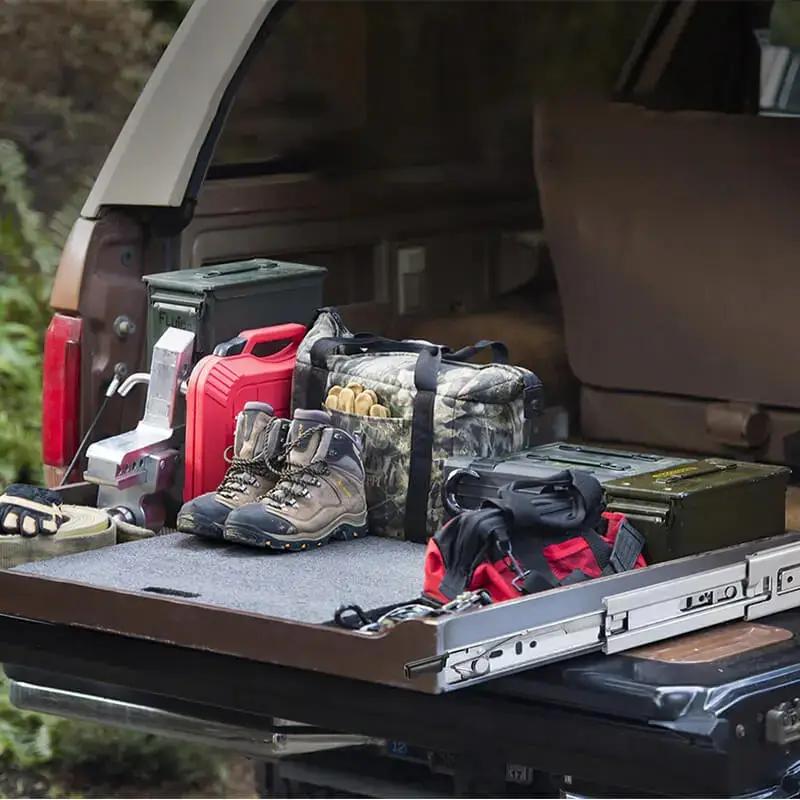
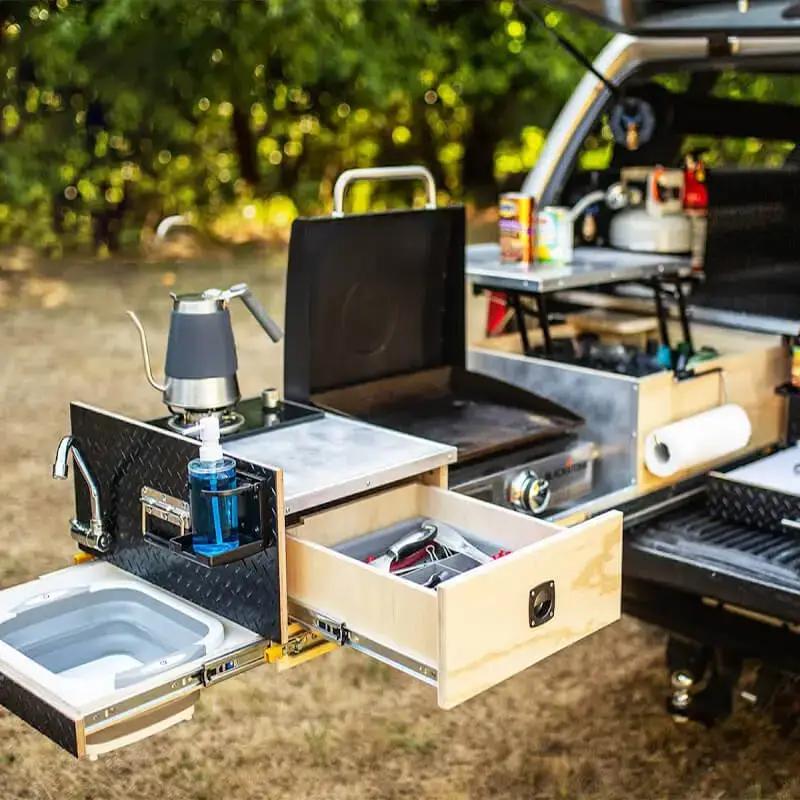
Long-lasting durability in kitchens, RVs, and mobile workstations
By following proper preparation and installation steps, these slides provide a modern, handle-free drawer solution with reliable performance and ease of use.